


Creating a PDF from text looks easy at first. You paste your content, click a button, and download a file. The problem usually appears later when you open that same PDF on another device and the layout does not look the same.
Many tools depend on the browser or the user’s device to generate the PDF. Because of that, spacing, fonts, and alignment can behave differently from one system to another.
This is where server side PDF generation becomes important. Instead of relying on the device, the document is created in a controlled environment, so the output stays consistent.
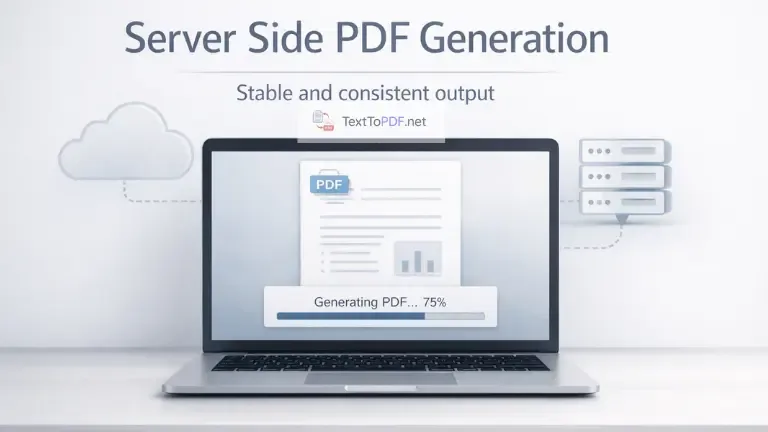
When you use texttopdf.net, this process happens in the background. You work with your content, adjust formatting, and the final PDF is generated in a way that keeps the layout stable.
What is Server Side PDF Generation
Server side PDF generation means the document is created on a remote server instead of inside your browser.
The system takes your text, processes it in a controlled setup, and then returns a finished PDF file. This removes dependency on device settings and browser differences.
Quick Comparison
| Method | Where PDF is created | Depends on device | Output consistency |
|---|---|---|---|
| Server side | Remote server | No | High |
| Client side | Browser | Yes | Can vary |
Server processing keeps the environment fixed, which is why the output stays predictable.
How Server Side PDF Generation Works
The process stays clear once you understand what happens step by step.
- You add your text or upload a file
- The content is sent to the server
- The server applies layout rules and formatting
- The PDF is generated in a controlled setup
- The final file is returned for download
When this happens on texttopdf.net, you do not need to think about browser differences. The system handles formatting before creating the document.
When you are working with raw text, the next step is usually converting it into a stable document format. You can try this directly using the Tex to PDF tool, where you can paste your content, adjust spacing, and generate a clean PDF without layout issues.
Problems with Web based PDF Generation
Now here is the part that many users experience but do not always understand.
A PDF may look correct at first, but small issues start appearing when you open it somewhere else.
Common Issues
- Layout changes when opened on another device
- Fonts render differently depending on the system
- Spacing becomes uneven in paragraphs
- Large documents may lag or fail during generation
Web tools depend on local settings. That means the same content can behave differently across devices.
Differences in browser rendering can affect layout and formatting, and this is also explained in the general web rendering behavior covered by MDN Web Docs.
Why Server Side PDF Generation is More Reliable
Server side processing solves these issues by using one controlled environment.
Key Advantages
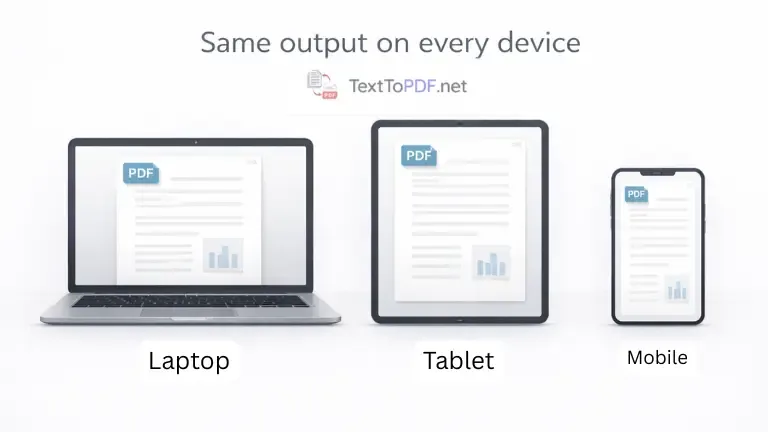
- The layout remains consistent across devices
- Font handling stays stable during conversion
- Spacing and alignment are applied properly
- Large documents are processed more reliably
When everything is handled in one place, the output becomes predictable.
How This Improves Real Document Work
This is not just a technical improvement. It affects real usage.
Students preparing assignments want the document to look the same when submitted. Office users sharing reports need consistent formatting across systems. Writers exporting content expect the layout to remain stable.
When you use texttopdf.net, you can adjust headings, spacing, margins, and structure before conversion. After that, the server handles the final output so the document stays clean.
Server Side vs Client Side PDF Generation
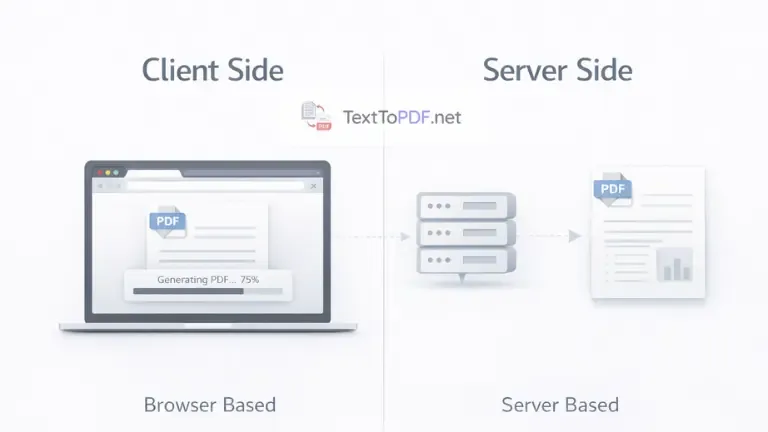
| Factor | Server Side PDF | Client Side PDF |
|---|---|---|
| Output consistency | Same across devices | May change |
| Device dependency | No | Yes |
| Performance stability | More stable | Depends on device |
| Formatting control | Better | Limited |
| Large file handling | Reliable | Can fail |
Server side processing removes uncertainty from document creation.
Document workflows do not stop at creation. Sometimes you need to extract content again for editing. In that case, you can use the PDF to Text tool to convert PDF files back into editable text without breaking structure.
When Server Side PDF Generation Matters Most
There are situations where this approach becomes important.
- When formatting must remain fixed for submission
- When documents are shared across different devices
- When working with longer or structured content
- When consistency matters more than quick generation
In these cases, server processing avoids problems that usually appear later.
How This Connects With Text to PDF Tools
Not all tools handle document generation the same way.
On texttopdf.net, the workflow allows you to prepare your content before conversion. You can structure your text using headings, alignment, and spacing, and then the system converts the Text to a PDF file in a controlled environment.
This reduces the chances of broken layout or inconsistent formatting after download.
Limitations You Should Know
It is also important to understand the limitations.
- Internet connection is required for processing
- Generation depends on server response time
- Not suitable for fully offline workflows
- Processing time may increase for very large files
While server side is more stable, it still depends on connectivity.
FAQs
What is server side PDF generation
Server side PDF generation creates a PDF document on a remote server instead of using the browser.
Is server side better than web PDF
Server side is more consistent because it does not depend on device settings or browser behavior.
Does server side PDF improve formatting
Yes, because formatting is applied in a controlled environment before the PDF is created.
Is my data safe in server side processing
Most tools process files temporarily and remove them after generation to avoid long term storage.
Final Note
The main thing you need to understand is that PDF generation is not only about converting text. It is about creating a document that remains consistent regardless of where it is opened.
Server side processing solves many of the common issues users face with layout and formatting. Once you use a system that handles this properly, the results become more stable and easier to trust.