


Besides supporting static text and images, PDFs can integrate digital signatures, fillable forms, and hyperlinks easily. Icing on the cake is their ability to ensure document security with password encryption to prevent leaks or theft of confidential data.
Whether you are sharing a business report, academic submission, research paper or feedback form, sharing it as a PDF is a must. It is a universal format that offers cross-platform consistency and compatibility across devices and displays.
But what if you need to edit it to fix typos, update branding, create forms, manage pages, collaborate and annotate, redact and secure, or convert scanned documents and that too without installing complex software? The answer is: using an online tool.
However, many people find it tricky because they are not aware of a few steps they need to follow to edit PDFs through a web-based platform. Let’s get into the details.
Steps You Should Follow to Edit PDFs Online
Using an online PDF editor makes modifications to final versions of documents much easier. The process helps you avoid the complex installation process of software for the same purpose by guaranteeing speed, convenience and flexibility.
Here is how you can do it without stressing yourself too much:
Look for a Reliable, Holistic PDF Editor Online
Keep in mind that not all tools are created equal. Make sure to pick a tool that helps you edit PDF with ease and confidence in the security of your data. Never blindly trust any tool you see online. Go for the one that allows you to edit your PDF documents in every aspect and assures users about the safety of uploaded documents.
Make Input
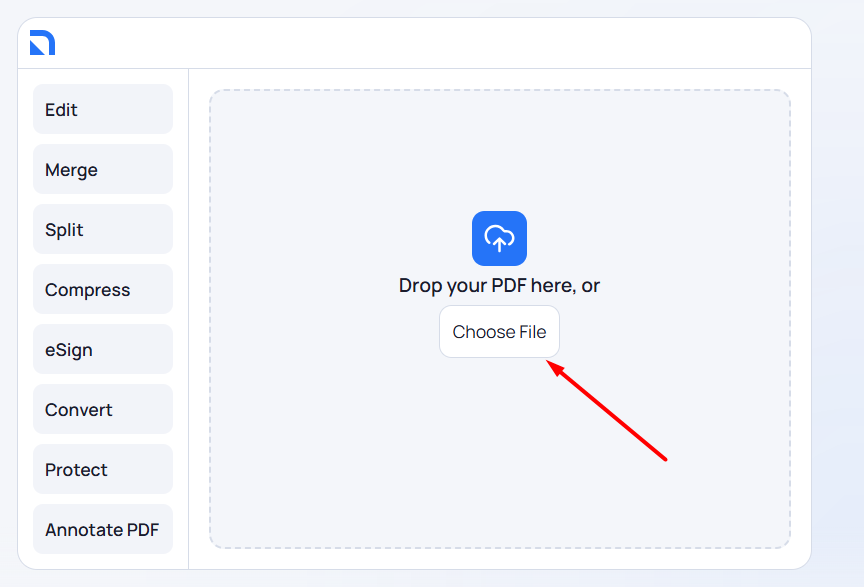
The process of editing a PDF online starts when you provide the web-based tool with a document. You can either upload a document by clicking the “Choose File” button to navigate your device’s local storage and select content or drop your PDF directly into the tool if you are using it on a PC. The tool will accept the input and process the file to prepare it for edits.
Edit Text
After processing the file, the online tool will display a preview of the document, along with various editing options in the form of a dashboard. You will see the text editing option. You can use it to add text and customize its appearance. The tool will allow you to make necessary tweaks to font, size, style, alignment and opacity without any hassles.

Select, Move, or Resize Elements
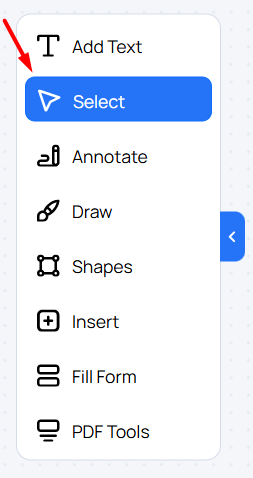
This option makes it easier for you to change the position of various elements featured in a PDF file without facing any issues. You can easily select, move, or resize text or any other element on the page to ensure better layout.
Annotate Text
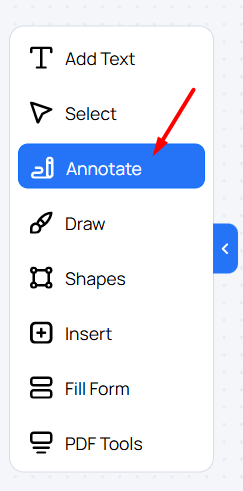
A holistic online PDF editing tool also allows you to make necessary annotations to the featured text. For instance, it will allow you to highlight, underline, or strike through the text to make featured information more understandable for the target audience.

Draw Freehand
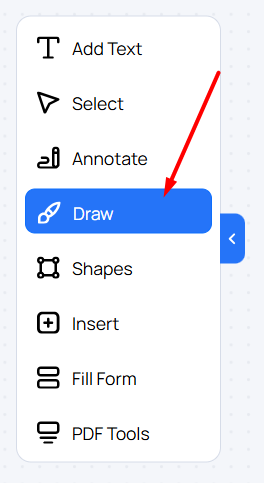
The use of an all-in-one tool to edit PDFs online will also make it easier for you to add necessary drawings to the PDF document. The web-based resource will help you draw freehand with the pen, highlighter, or marker per your preferences, if needed.

Add Visual Shapes
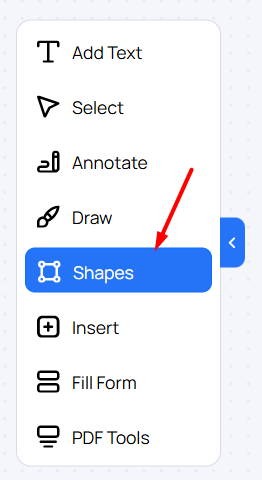
The tool allows you to add various kinds of visual shapes to your PDF with a distinct option for integrating circles, squares, arrows, check marks and other elements. You can also choose your desired color, opacity and line thickness while adding these shapes. The use of this editing option makes it easier for the target audience to interpret and navigate content.

Insert Various Elements
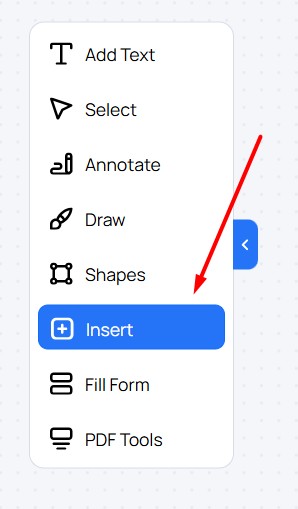
Using a dedicated editing tool helps you make necessary amendments to PDFs in one place, instead of juggling multiple tools. It allows you to insert pages, images, links, signatures, notes, tables, stamps, watermarks, and more. You can also use the same option to add overlays, dates, page numbers, and comments, where needed.

Integrate Interactive Elements
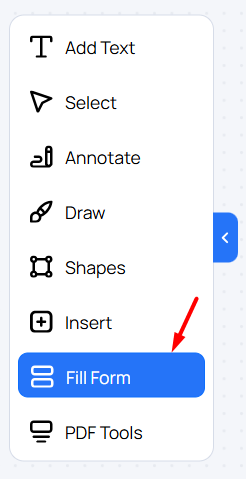
You can use an all-in-one online PDF editing tool to integrate fillable, interactive elements into your document. The tool helps you add fillable text fields, dropdowns, radio buttons, checkboxes, crossboxes, and sections requiring signatures from the audience. You can also add necessary comments where needed to guide users better about entering the required information and filling forms by using the same option.

Make Advanced Amendments
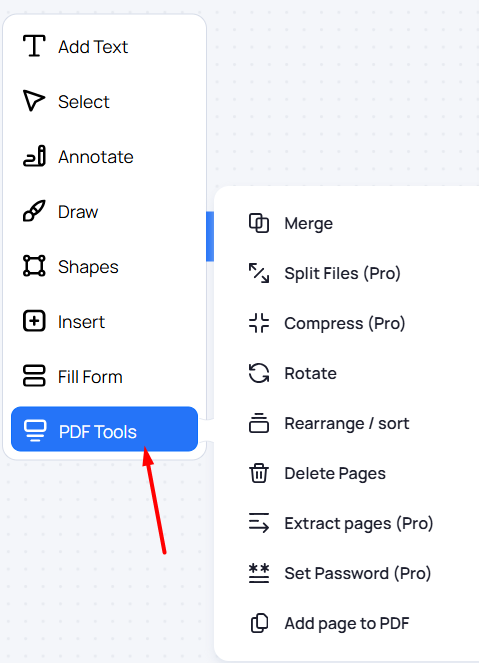
The editing of PDFs is not limited to revising text and adding various elements only. PDF edits also account for merging various documents, deletion of pages, page extractions, password encryption, addition of pages, splitting files, and compressing documents.
You may also need to rotate pages or rearrange them while editing PDFs. A holistic platform will let you do all these things without feeling the need to use another resource. However, you may need to subscribe to a pro plan to unlock features for advanced amendments to your PDFs.
Save the Edited Version and Share PDF Further
Here comes the final step. Once you are done editing, marking up and signing your PDFs without installation or limitations, you can save your progress and download the edited PDF.
The document will feature everything you have done, such as newly added drawings, highlighted text, rewritten sections, and password encryption.
You can also share the document through various channels directly from the web-based platform without any hassles, which makes the process even easier.

The Sum Up
The need to edit PDFs for deletion and insertion of information, password protection, addition of fillable forms and various other kinds of amendments often arises. However, you don’t need to turn to a highly complex OS-based software tool for this purpose. A holistic online tool will serve the same purpose without requiring installation. This article familiarizes you with multiple steps you need to follow for this purpose. Be mindful of the takeaways and make your PDF editing easier and effortless!